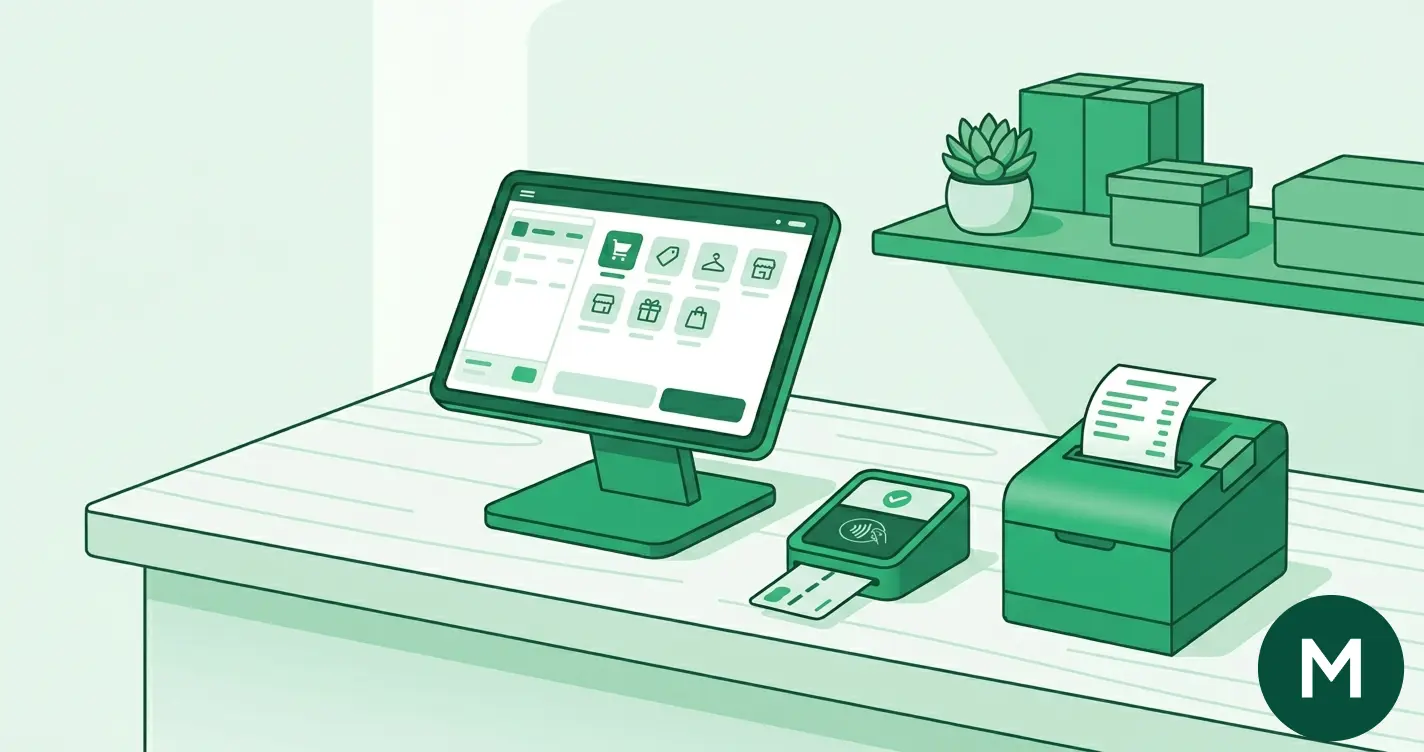
Choosing a point-of-sale system is one of the highest-leverage decisions a small business makes, because it sets your daily workflow and, in most cases, the card processing rate you pay on every sale. The Australian market in 2026 runs from free apps that turn a tablet into a till through to full retail and hospitality platforms with deep inventory and table management. This guide explains what to look for, compares the leading systems on features and fit, and shows how the 1 October 2026 surcharge ban changes the maths. The fastest way to line the options up on current pricing is our POS systems comparison, which models software, processing and hardware against your own numbers. Short answers sit in the FAQ at the bottom.
What to look for in a POS system
A POS system is more than a screen that takes payments. For most small businesses, five things decide whether it is the right fit.
- Payment processing. Does the system process card payments itself, or does it hand off to a separate provider? Integrated processing means one rate, one settlement, and one reconciliation. The headline rate matters more than ever now that surcharging is being banned.
- Inventory management. Stock tracking, low-stock alerts, variants, and supplier orders. Retailers with hundreds of SKUs need this; a coffee van does not.
- Reporting and analytics. Daily takings, best-sellers, staff performance, and tax-ready summaries. Good reporting turns the till into a management tool.
- Integrations. Accounting software, e-commerce platforms, online ordering, and delivery apps. A POS that talks to Xero or MYOB saves hours of manual entry every month.
- Hardware. Whether you can bring your own tablet or have to buy a proprietary terminal, and what the printers, stands, and scanners cost on top.
Write down which of these matter for your business before you compare. A market stallholder and a three-register bottle shop need very different systems, and the cheapest plan for one is the wrong plan for the other.
Cloud-based vs traditional POS
Almost every modern POS sold to Australian small businesses is cloud-based, and for good reason. A cloud system stores your data online, updates automatically, and lets you check sales from your phone at home. Setup is usually a same-day job: download an app, pair a card reader, and start trading.
Traditional, server-based POS systems still exist in large or specialised venues, where everything runs on a local computer on site. They can be powerful, but they cost more upfront, need IT support, and do not give you remote access. For a small retailer, cafe, or service business, a cloud system is almost always the better choice in 2026.
The one thing to check with any cloud system is offline mode. If your internet drops, can you still take payments and ring up sales? Most leading systems can queue transactions offline and sync when the connection returns, but confirm it before you commit, especially if you trade at markets or in areas with patchy coverage.
Integrated payments vs a separate EFTPOS terminal
This is the decision that quietly drives your costs. There are two models.
Integrated payments means the POS processes cards itself at a set rate. Square, Zeller, Tyro, Shopify POS, and Lightspeed (through Lightspeed Payments) all work this way. You get one provider, one rate, and sales that reconcile against takings automatically. For most small businesses this is simpler and cheaper once you count admin time.
Third-party processing means the POS software is cheap or free, but you connect a separate EFTPOS provider to take the cards. Loyverse, Hike, and Impos work this way, routing payments through a processor such as Square or Tyro. The software bill stays low, but you add a second provider's processing fees on top, and you reconcile two systems instead of one.
The trap is comparing a free POS app against an all-in-one and forgetting the processing cost. A free POS that runs cards at a higher rate can cost more than a paid system at a lower rate once volume is real. Work out the total of software plus processing, not just one line. For a deeper look at how card fees are built up, see our merchant fees guide, and compare processing rates on their own at our payment provider comparison.
The best POS systems for Australian small businesses in 2026
The table below lines up the leading systems on what each is built for. For current software, processing and hardware prices, run the same providers through our POS systems comparison, which keeps the figures live rather than letting them date here.
| POS system | Payments model | Best for |
|---|---|---|
| Square | Integrated | Small retail, cafes, pop-ups |
| Zeller | Integrated | Among the lowest flat rates, Australian all-rounder |
| Tyro | Integrated, behind your POS | Venues with an existing POS |
| Lightspeed Restaurant | Integrated (Lightspeed Payments) | Table-service hospitality |
| Lightspeed Retail | Integrated | Inventory-heavy retail |
| Shopify | Integrated | Omnichannel retail |
| POSApt | Integrated | Local Australian support |
| Loyverse | Third-party processor | Micro and pop-up businesses |
| Clover | Integrated, quote-based | All-in-one hardware |
If your business is specifically hospitality or retail, we have dedicated rankings: see the best POS for cafes and restaurants and the best POS for retail.
Square: the best all-rounder
Square is the default choice for small retail, cafes, and pop-ups, and it is easy to see why. The POS software is free, in-person processing is a single competitive flat rate, hardware starts with a low-cost reader, and there is no lock-in contract. It bundles inventory, staff management, reporting, invoices, an online store, and 300-plus integrations including Xero, MYOB, and WooCommerce. If you want one system that does almost everything out of the box, start here.
Zeller: among the lowest flat rates
Zeller is an Australian-built option that pairs a free POS app with one of the lowest flat processing rates of the mainstream systems, at 1.2% against Tyro's 1.3%. The terminal is a one-off purchase, there is no lock-in, settlement is fast, and support runs 24/7. It integrates with Xero and MYOB. For a business that wants a single Australian provider for payments and banking and cares most about the per-sale rate, Zeller is hard to beat. On the payments side specifically, our Zeller vs Square comparison breaks down the rate and hardware trade-off between these two.
Lightspeed: the choice for serious inventory and hospitality
Lightspeed sells two products. Lightspeed Retail is a paid monthly platform with the strongest inventory and multi-store tools on this list, processing at a competitive integrated rate, with 250-plus integrations across Xero, MYOB, Shopify, and WooCommerce. Lightspeed Restaurant is priced per register, adds table management and 200-plus hospitality integrations, and processes through Lightspeed Payments. Both include a free trial and 24/7 support. Choose Lightspeed when your inventory or floor plan has outgrown a simpler till.
Tyro: built for venues with an existing POS
Tyro is less a POS than the payments engine behind one. There is no POS software fee, processing is a flat 1.3%, the EFTPOS terminal is a published monthly rental rather than an upfront purchase, and it connects to 580+ integrations with 24/7 Australian support. If you already love your POS software, or run a mid-sized hospitality or healthcare venue, Tyro slots in behind it cleanly.
Shopify POS: the omnichannel pick
Shopify POS suits retailers who sell in store and online from one catalogue. It runs on a monthly subscription, its in-person rate sits a little above the cheapest options here, and the app ecosystem is the largest on this list at 8,000-plus. If your online store is the heart of the business and the counter is an extension of it, Shopify keeps stock and orders in sync across both.
Budget and Australian-built options
POSApt is an Australian system with a free plan, paid tiers above it, no lock-in, and local phone support. Loyverse is a genuinely free POS app for micro and pop-up businesses that brings your own tablet and a third-party processor. Clover offers polished all-in-one hardware but uses quote-based pricing on a long contract, so read the terms carefully. Retailers who want a Xero-friendly system can also look at Hike, and delivery-heavy cafes at Impos.
POS hardware costs
Hardware is the part of the bill merchants underestimate. The software might be free, but the kit on the counter adds up.
- Card reader or terminal. A basic plug-in reader is the cheapest entry; a proprietary all-in-one terminal costs more. Some providers, such as Tyro, include the terminal in a rental rather than charging upfront.
- Tablet or screen. Many systems let you bring your own iPad or Android tablet, which keeps costs down. Proprietary all-in-one terminals cost more but need less setup.
- Receipt printer. A thermal receipt printer, plus paper rolls.
- Cash drawer. Worth it if you still take cash.
- Barcode scanner. For retail with packaged stock.
Buying outright almost always beats long rentals over a few years. Add the hardware you actually need to the software and processing costs to get the true monthly figure, then compare it on our POS systems comparison, which prices all three together.
Accounting software integration
A POS that syncs with your accounting software turns end-of-month from a chore into a check. The big three in Australia are Xero, MYOB, and QuickBooks, and most leading systems connect to at least one.
Square, Zeller, and Lightspeed all integrate with Xero, and all three also connect to MYOB. Hike is built around a strong Xero integration. The benefit is concrete: daily takings, fees, and refunds flow into your books automatically, so reconciliation takes minutes instead of hours and your BAS is easier to prepare. Before you sign, confirm the integration covers your exact accounting package and that it pushes the detail you need, not just a daily total.
How the October 2026 surcharge ban affects your POS setup
From 1 October 2026, businesses can no longer surcharge customers on EFTPOS, Visa, or Mastercard, and the cap on interchange for consumer credit cards drops to 0.3%. Full detail is in our RBA surcharge ban guide.
This changes how you should think about a POS. Until now, some merchants passed card fees to customers through a surcharge, so the processing rate inside the POS barely affected the business. After October, you absorb that fee, which makes the rate built into your POS a direct cost on every sale. A system on a lower rate rather than a higher one is real money once volume is real.
Two practical jobs follow. First, if your POS has surcharging switched on for EFTPOS, Visa, or Mastercard, you will need to turn it off before 1 October so you stay compliant. Most integrated systems will prompt this, but check your settings rather than assume. Second, treat the processing rate as a selection criterion, not an afterthought, and estimate what the change costs your business with our surcharge ban calculator. If your current setup looks expensive once you absorb the fee, the comparison work in our payment provider guide shows how to switch.
Frequently asked questions
What is the best POS system for a small business in Australia?
For most small businesses, Square is the best all-rounder thanks to free software, a competitive flat rate, and a complete feature set. Tyro and Zeller carry the lowest flat processing rates on this list, and Lightspeed wins for serious inventory or table-service hospitality. The right pick depends on your industry and volume, and you can compare current pricing in our POS systems comparison.
How much does a POS system cost in Australia?
There are three parts: software, which ranges from free to a few hundred dollars a month for advanced plans; in-person processing, a low single-digit percentage of each sale; and hardware, from a basic reader to a premium all-in-one terminal. Add all three to find your true cost, and see the current figures for each provider in our POS systems comparison.
Do I need a separate EFTPOS machine with a POS system?
Not with an integrated system. Square, Zeller, Tyro, Shopify POS, and Lightspeed process cards themselves at a set rate. Some free or low-cost systems, such as Loyverse and Hike, are software only and need a separate processor like Square or Tyro connected to take payments.
Which POS systems integrate with Xero and MYOB?
Square, Zeller, and Lightspeed all integrate with Xero, and all three also connect to MYOB. Hike is built around Xero. The integration pushes daily takings, fees, and refunds into your books automatically, which cuts reconciliation time and makes preparing your BAS far easier.
How does the October 2026 surcharge ban affect my POS?
From 1 October 2026 you cannot surcharge customers on EFTPOS, Visa, or Mastercard, so you absorb the processing fee instead of passing it on. You will need to switch off any card surcharging in your POS settings, and the processing rate built into your system becomes a direct cost worth comparing closely.
What is the cheapest POS system for a small business?
Loyverse and Square both offer free POS software, so the cheapest entry point is a free app plus a low-cost reader. On processing, Tyro and Zeller lead the mainstream systems on the flat rate. The cheapest overall depends on your sales volume, because processing usually outweighs software cost.
The bottom line
The best POS system is the one that fits how you trade and keeps your total cost low once software, processing, and hardware are added together. Square is the strongest all-rounder, Tyro and Zeller carry the lowest flat processing rates, Lightspeed owns inventory and hospitality, and Tyro slots in behind an existing setup. With the 1 October 2026 surcharge ban making your processing rate a direct cost, the rate inside your POS matters more than ever. Compare the leading POS systems side by side, or talk to our services team if you want a hand matching one to your business.